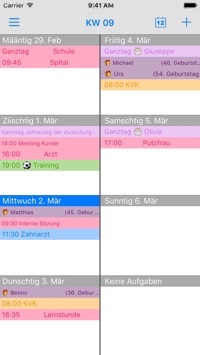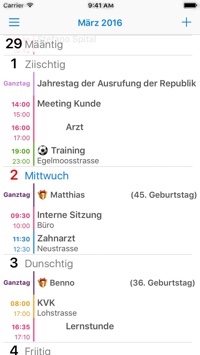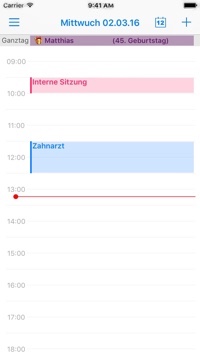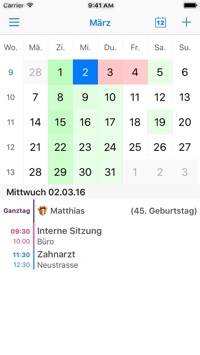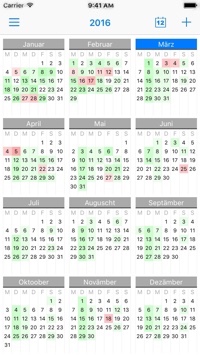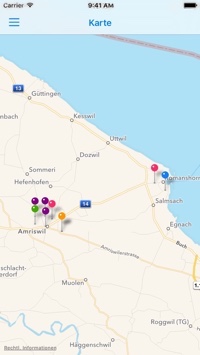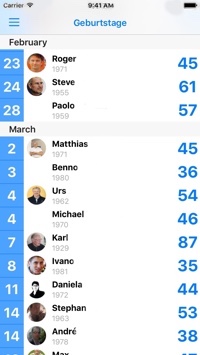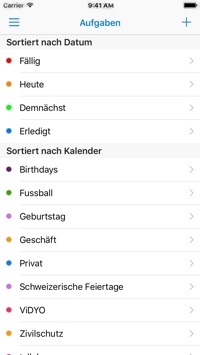
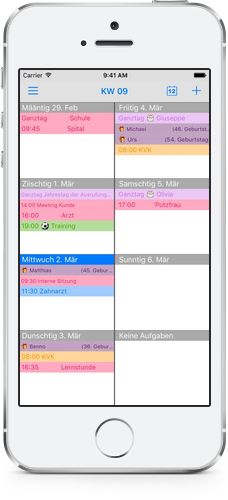
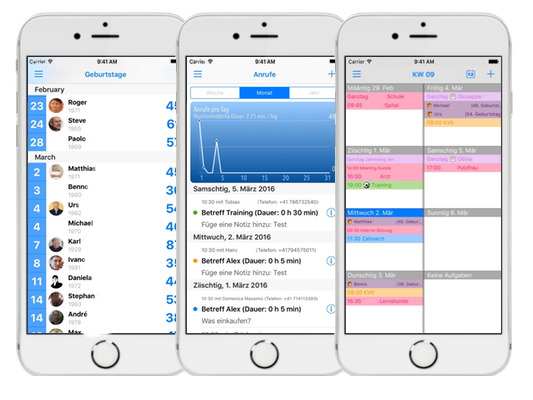
The next Beta-Release will have, some useful improvements:
- workaround implemented for the Firmware Issue, e.g. only one version required, in-depended if you’re on 3.0.x or 3.1.x (downloadable from BigBoss or our own repo)
- As for the recurring Events, we’ve recoded that part of the source and now it should handle those events properly
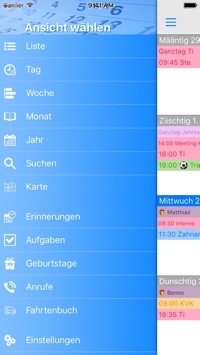
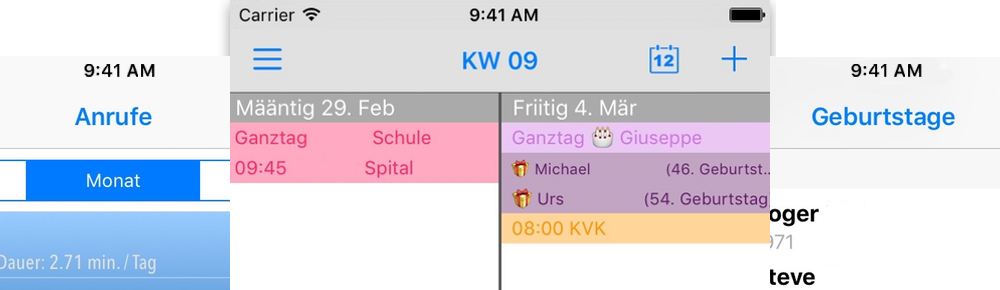
- new View introduced for Birthdays from the Contacts App.
1. Confirm which Firmware you’re having on your device
a. if it’s 3.0.x you can install from the Big Boss Repo
b. if it’s 3.1.x you have to install from our own Cydia Repository (see here how to add the repo)
2. If the App doesn’t start after the installation, it most likely is because of the missing Documents Folder within the //var/mobile/ Folder of the Device
So, then SSH into your device. As first create the missing Folder and then copy the file ‘myWeek.sqlite’ from the Applications Folder into this Documents Folder.
Afterwards restart the Device and launch myWeek, should work now.
As someone tried to intrude in our PayPal account we’re having difficulties at the moment to proceed with the automated activation of your licenses. As soon as we’ve figured out with PayPal what happened and how to prevent such things in the future, everything should go back to normal. Thanks for your comprehension.
Oct. 23rd @ 16:43 – Everything back to ‘normal’. The problems experienced during the few last days should be resolved and all work as before.
We apologize to all of you, that experienced a delay in delivering the activation code.
Update possible via Cydia as soon as BigBoss has exchanged the files or directly from our own Repository.
added the “Datefield” from Contacts to be displayed on the Current- and the Weekview
corrected a few minor Bugs
Important: User that have updated to Firmware 3.1 should use our own Repository for update purposes, as the Repo of BigBoss contains only the App for Firmware 3.0.x
@ 01:23 -> As Apple has introduced new security features with the new Firmware, myWeek is not able to access the original Calendar DB with our latest release 0.99-2.
We’re looking into that matter and are trying to find a way around to have it work again.
@ 17:32 -> So, hopefully we found everything there was to be found Using our own Repositoryall Users that have updated to Firmware 3.1 can update myWeek to Version 0.99-3, all other Users shouldn’t do that!
It has come to our attention, that on devices mounted the latest firmware, some run into problems starting up the App.
Testing it, we found out that on those devices the folder ‘/mobile/Documents’ was missing and therefor myWeek isn’t able to copy the required DB to the correct folder.
SSH into your device and create the Folder ‘Documents’ manually giving it write permission, then copy the file ‘myWeek.sqlite’ from within the App-Folder to this new Folder.
If after having updated to the latest release, myWeek says it’s in DEMO, then just reregister once again and tap on ‘Activate’ as soon as you see it. Your code will be downloaded to the device and the Application activated.